· by max
what is ableton link and how does it work
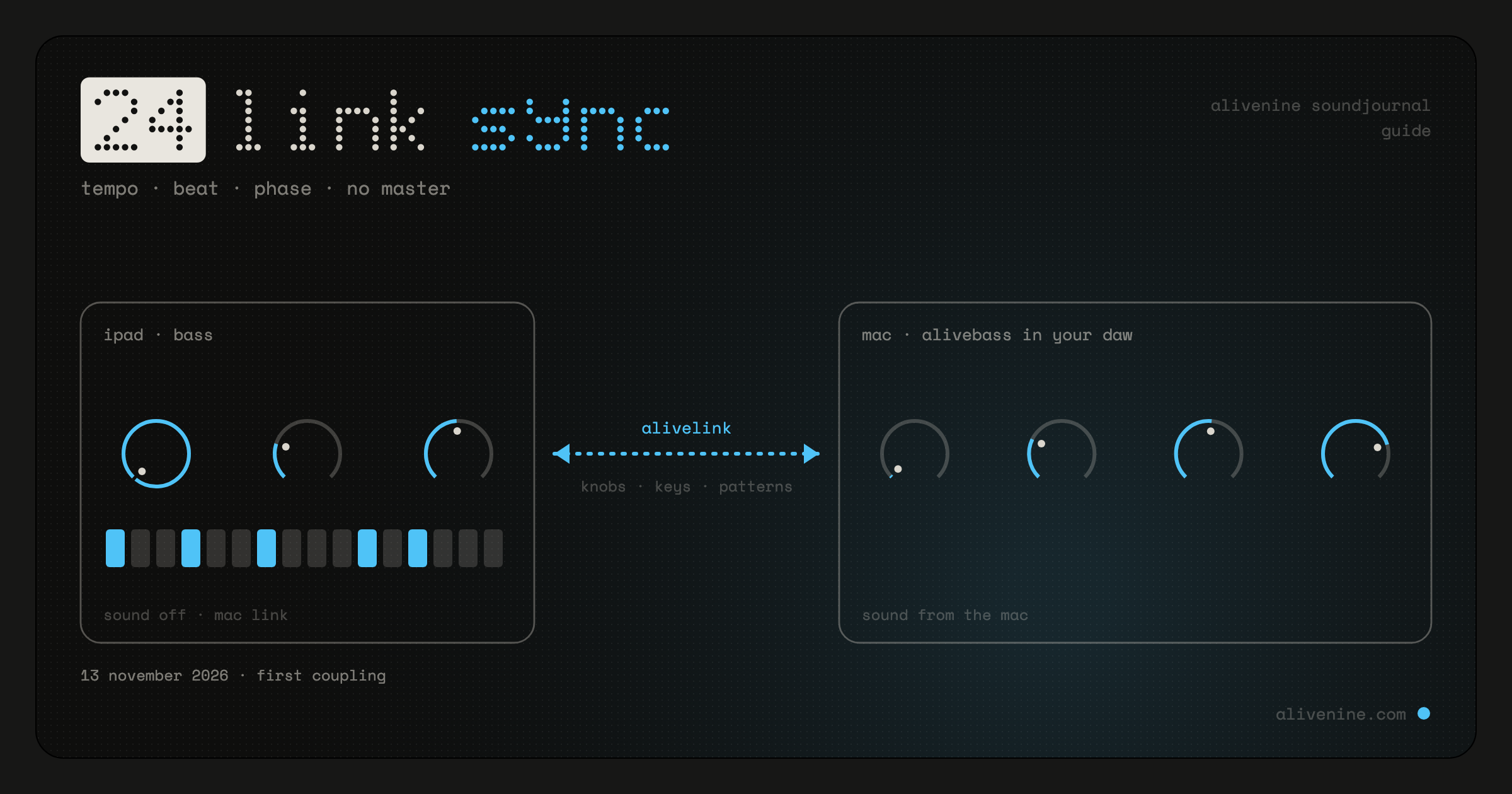
Ableton Link keeps several apps and devices in time over a local network. A laptop with Live, an iPad, a phone, a groovebox: switch Link on everywhere and they share one tempo and land on the same downbeat. There is no cable to plug and no device that has to lead. Here is how it works inside, how to set it up in Live 12, what the settings mean, why it sometimes doesn't connect, and how it compares to MIDI clock.
- link syncs tempo, beat and phase between apps on the same network, wired or wifi. start and stop can be shared too.
- there is no master. anyone can change the tempo, the others follow, and anyone can join or leave without stopping the session.
- the quantum sets which unit lines up. in live it follows the global launch quantization, so a 1 bar quantum lines up bars.
- most problems come from the network: different networks, a vpn, a router that keeps devices apart, or a missing local network permission.
- link replaces midi clock between computers and apps. for hardware without link, midi clock is still the way.
what link is
Link is a small library from Ableton that apps build in. Every app that has it can find every other Link app on the same local network by itself. Together they form a session. Inside that session, everyone plays at the same tempo, and beats and bars line up.
It was made for playing together. With acoustic instruments, people hear each other and stay in time. With electronic instruments, that always needed a setup: one machine sends clock, the others follow, and if the leading machine stops, everything stops. Link takes that away. You switch it on, and the apps agree among themselves.
Three things make it different from older sync:
- No leader. Each app keeps its own timeline. Link keeps the relation between them.
- Join and leave freely. A device can drop out or come in during a song, and the others keep playing.
- Over the network. Wifi or Ethernet, the same network for everyone. Several Link apps on one device work too.
how it works: tempo, beat, phase
Ableton's own documentation splits what Link syncs into three layers. It helps to know them, because each one solves a different problem.
| Layer | What it means | What you'd hear without it |
|---|---|---|
| Tempo | All timelines move at the same speed in beats per minute | Two loops slowly drifting apart |
| Beat | Whole beats fall at the same moment everywhere, even if the beat numbers differ | The same tempo, but one app is half a beat late |
| Phase | The position inside a bar or loop lines up | Beats in time, but one app's bar starts on the other app's beat 3 |
Tempo works by consensus. Any app in the session can propose a new tempo, and every app takes the last tempo it has seen. If two people turn the tempo at the same moment, it can wobble for a short while, then it settles. In Live, a tempo change from another Link peer also overrides your tempo automation.
Beat alignment means whole beats match. Beat 1 in one app can be beat 3 in another. That's allowed. What's not allowed is beat 1 in one app landing on beat 3.5 in the other.
Phase is the musical part. It decides whether your loops start together.
the quantum, with an example
Each app tells Link a quantum: the length, in beats, of the unit that should line up. A quantum of 4 means one bar in 4/4. Link then makes sure that every app with the same quantum is at the same place inside that bar.
An example. Live runs a drum loop of one bar, quantum 4. On the iPad, a sequencer plays a 2 bar bassline with a quantum of 8. Because 8 is a multiple of 4, the start of the bassline always lands on a bar line of the drums. The drum bar can fall on the first or the second bar of the bassline, which is fine. A quantum of 3 against 4 would line up only every 12 beats, three bars of 4/4.
In Live, the quantum is the global launch quantization in the control bar. Set it to 1 bar and Live's bars line up with the session.
That's also why Link apps don't start right away when you press play. They wait for the next quantum boundary. Live shows this as a small progress bar in the arrangement position field, the count in to the next bar of the session. Two people can press play at roughly the same time and still start exactly together.
start stop sync
Tempo, beat and phase are shared as soon as an app joins. Play and stop are a separate option. With Start Stop Sync on, pressing play in one app starts the others too, each one at its next quantum boundary. Stop works the same way.
It only works between apps that all have it switched on. An app that just joined doesn't jump to the current state either. It only reacts to the next start or stop someone presses. So if Live is already running and you open an app on the iPad, press play there once.
Newer versions of Link can also share the position in an arrangement, so apps with a song timeline agree on where the song is. Which apps do this depends on the app. In Live, Start Stop Sync is a switch in the Link settings.
setting up link in live 12
In Live 12, Link has its own tab in the settings. Older versions of Live had it together with tempo and MIDI on one page, so tutorials may show it there.
- Connect the computer and the other devices to the same network. A stable wifi works, a cable is steadier.
- Click the Link switch in Live's control bar, top left, next to the tempo. If you don't see it, open settings, Link, and set Show Link Toggle to Show.
- Live joins or starts a session. The switch now shows how many other peers are in it.
- Switch Link on in the other apps.
- For shared play and stop, open settings, Link, and turn on Start Stop Sync. Do the same in the other apps.
- Set the global launch quantization in the control bar. 1 bar is the usual choice.
The first app in a session sets the starting tempo. After that, anyone can change it. One thing doesn't work while Link is on: Live's recording count in.
On a Mac, Live also needs permission to use the local network. If the switch stays at zero peers while everything else looks right, check system settings, privacy and security, local network, and make sure Live is allowed there. On the iPad, apps ask for the same permission the first time they look for other devices.
Live 12 also has Link Audio, which sends audio between Link peers over the same network. It lives in the same settings tab. That's a topic of its own, and it needs Link Audio on every side.
which apps and devices have link
Link is built into Ableton's own products, such as Live, Push and Note. Ableton keeps a list of other apps and devices that have it on its Link products page. On the main Link page, Ableton names for example AUM, Cubasis, Loopy HD, Reason and Serato DJ. There are desktop DAWs, DJ software, iPad synths and loopers, and some hardware.
The list changes often, so check it there before you buy something for a Link setup. A Link app on the iPad, a DJ app on a second laptop and Live on the main computer can all be in one session.
when link doesn't connect
Link itself rarely fails. Almost every problem is the network between the devices. Ableton's Link troubleshooting page covers the basics. These are the usual causes:
| What you see | Likely cause | What to do |
|---|---|---|
| Zero peers on every device | The devices are in different networks, for example the 2.4 and 5 GHz band of a router set up as separate networks, or a guest network | Put everything in the same network, check the network name on each device |
| Zero peers on the Mac only | Local network permission is off, or a firewall blocks Live | Allow Live under privacy and security, local network, and in the firewall |
| No peers at all on a venue or hotel wifi | The router keeps devices apart, often called client isolation or AP isolation | Use your own router or a phone hotspot that all devices join |
| No peers with a VPN on | Link does not work over a VPN | Switch the VPN off while you play |
| Peers found, but one device sounds a little late | Audio latency differs between the devices | Use the app's latency or offset setting, or a track delay in Live |
| Tempo jumps when a device joins | An app that doesn't follow the session tempo on joining | Update the app, or let the device join before you start |
A phone hotspot is the most reliable fix on the road. It's a small network with nothing else on it, and all devices can see each other. A wired connection is the steadiest at home.
About latency: Link keeps the timing on the clock of each device exact. What reaches your ears also depends on the audio buffer and the interface of each device. If one device is consistently a few milliseconds behind, that's its output latency, and a small offset fixes it.
link and midi clock
MIDI clock is the older way. One device is the host and sends 24 pulses per quarter note, plus start, stop and the song position. The others follow. Live can send and receive it.
| Ableton Link | MIDI clock | |
|---|---|---|
| Connection | Local network, wifi or Ethernet | MIDI cable, USB or network MIDI |
| Who leads | Nobody, anyone can change the tempo | One host, the others follow |
| What is shared | Tempo, beat, phase, optionally start and stop | Tempo pulses, start, stop, song position |
| Joining during a song | Yes, the new device lines up by itself | Yes, but it starts with the next start or song position |
| When the leader stops | Everyone else keeps running | The followers stop or drift |
| Hardware support | Some newer devices | Almost every drum machine, sequencer and synth with MIDI |
Between computers, phones and iPads, Link is the easier choice. For a drum machine or a modular, MIDI clock is often the only one. You can mix both. Live can sit in a Link session and send MIDI clock to your hardware at the same time, so the hardware follows the Link session through Live.
There's a third kind of connection that gets mixed up with both. It couples one tool on the iPad with the same plugin on the Mac, so you play the plugin in your project. That's alivelink, and it has nothing to do with tempo. The differences between all three are in Ableton Link, alivelink and MIDI clock.
the license
Link's source code is on GitHub. It is dual licensed: under the GPL, version 2 or later, and under a proprietary license. Open source apps can use it under the GPL. An app that is sold with closed source needs the separate license from Ableton, which you ask for at link-devs@ableton.com. Ableton also has a test plan that a Link app should pass, so that it doesn't take over the tempo of a jam when it joins.
That's why some apps have Link in one version and not in another. It's not a technical question. It's a license question.
link and the alivetools
Every alivetool runs as a plugin in your DAW, and a plugin plays in the tempo of its host. In Live, alivedrum's sequencer runs with Live's transport, step 1 on the bar line. alivearp follows Live's grid while the transport runs. So when Live sits in a Link session, the plugins in your set are in that session too.
The alivetools app for iPad, which is in testing, has Link built into its code: tempo, beat and phase, plus start and stop, with Live, Push and other Link apps on the same wifi. The version for the App Store comes without it, until Ableton's license for closed apps is in place. Until then, the app keeps time with MIDI clock. It can lead with its own tempo, follow the clock of a device, and send clock to devices you pick. If a MIDI clock leads, the app follows the clock.
The coupling between a tool on the iPad and its plugin in Live is alivelink. It works without Ableton Link and is a different thing, described in alivelink: the same tool on your iPad and in your DAW.
faq
What is Ableton Link?
A technology from Ableton that keeps apps and devices in time over a local network. It syncs tempo, beat and phase, and optionally start and stop. Any app with Link can join, change the tempo or leave without stopping the others.
How does Ableton Link work?
Link apps find each other on the same network and form a session. Each app keeps its own timeline, and Link keeps them at the same tempo with beats aligned. A quantum, in Live the global launch quantization, decides which unit lines up, usually one bar.
Why is Ableton Link not working?
Almost always the network. Check that all devices are in the same network, switch off a VPN, allow Live under local network in the Mac's privacy settings, and avoid wifi that keeps devices apart. A phone hotspot is a quick test.
Does Ableton Link work over Bluetooth or USB?
Link runs over a network, wifi or Ethernet. It doesn't run over Bluetooth MIDI or a plain USB MIDI connection. For those, use MIDI clock.
Does Ableton Link sync start and stop?
Yes, with Start Stop Sync switched on in every app that should follow. Each app then starts at its next quantum boundary.
Is Ableton Link better than MIDI clock?
Between computers and mobile apps it's easier, because nobody has to lead and devices can join at any time. For hardware without Link, MIDI clock is still the way, and Live can do both at once.
If you want to hear what lines up when the bars line up, what is a step sequencer goes through steps, rate and swing.