· by max
alivelink: the same tool on your ipad and in your daw
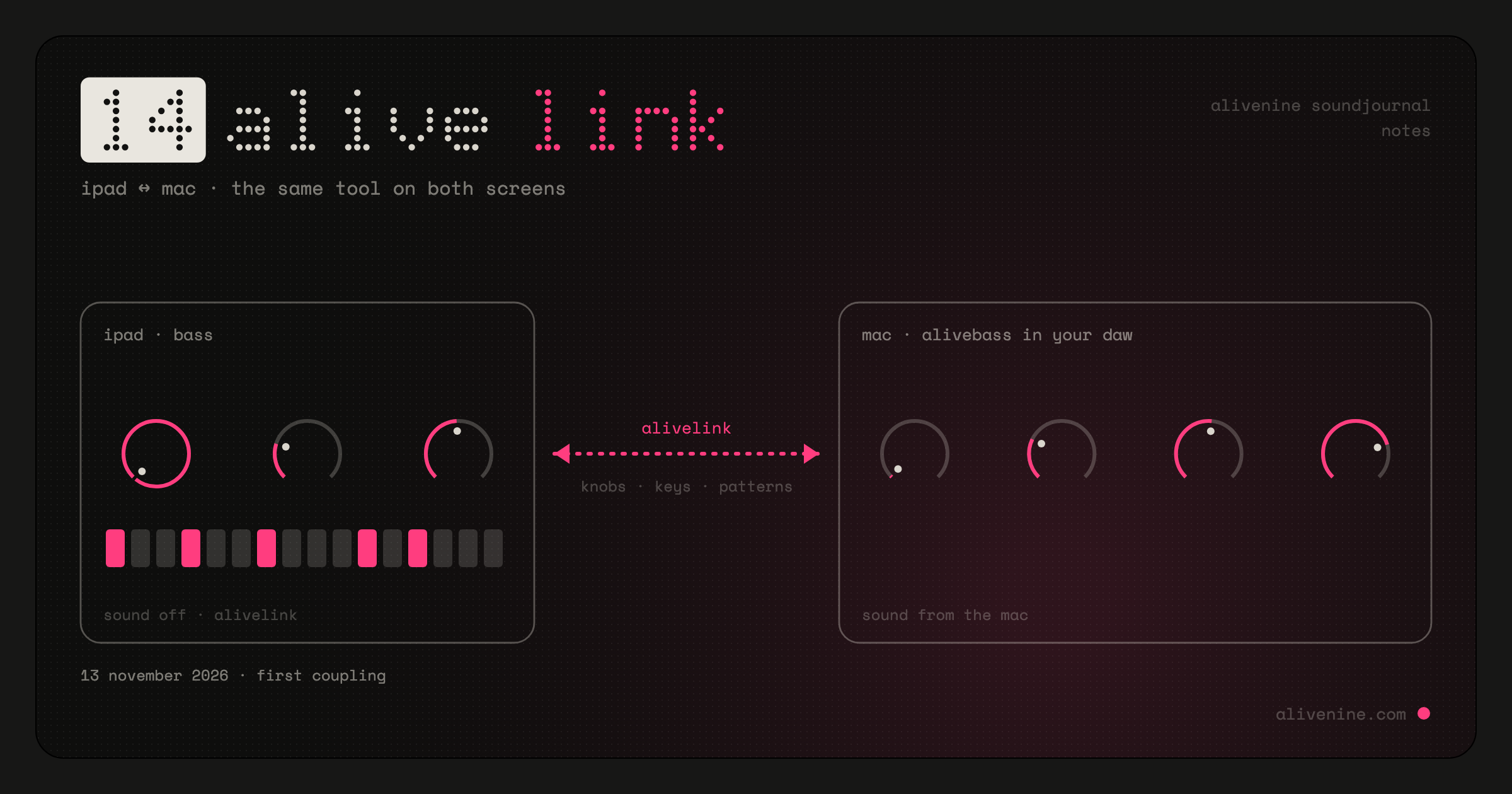
Every alivetool runs as a plugin on the Mac. Soon eight of them also run on the iPad, in one app called alivetools. alivelink connects the two. You open bass on the iPad, tap once, and from then on the iPad plays the alivebass that sits in your Ableton project. The sound comes from the Mac. The app is in testing before the App Store.
- alivelink couples a tool on the ipad with the same plugin running in your daw on the mac.
- a coupled tool goes silent on the ipad. the sound comes from the mac, so the project stays the one source.
- it works with several instances: bass on the ipad to the first alivebass in your project, bass 2 to the second.
- the ipad app holds eight alivetools in one place, each one the same code as on the mac.
- the app is in testing before the app store. the first coupling ran on 13 november 2026.
why the ipad
A plugin window is made for a mouse. You click a knob, drag it, let go. For playing, that's slow. The alivetools are built to be played: chords under your fingers, a tape you grab and rewind, a bass that rolls while you hold a key. On a laptop, the trackpad already gets close. On an iPad, you get ten fingers and a screen the size of a small instrument.
The problem with music apps on the iPad has always been the other half. You make something great on the glass, and then it lives in another world than your project, and getting it over takes the moment away. I wanted my plugins to be playable, and to stay in the session while I play them.
what alivelink does
alivelink couples one tool on the iPad with one instance of the same plugin on the Mac. After that, everything you do on the iPad happens in the plugin in your project:
- Turning a knob on the iPad turns it in the plugin.
- Playing the keys or pads plays the plugin, in time with your DAW.
- Patterns, sequences and actions go across, and the live values come back, so the iPad shows what the plugin is doing.
The coupled tool goes quiet on the iPad. The sound comes only from the Mac, through your mix and its effects, so nothing gets recorded twice. When you save the project, the state of the plugin is saved with it, as with any other plugin.
In the app, the button for this is called alivelink. A pale pink dot in the bar shows which tools are coupled.
how coupling works
- Put an alivetool on a track in Ableton Live on your Mac, as you always do.
- Open the alivetools app on the iPad, in the same wifi network.
- Tap the link button. It lists every alivetool in your Mac project, sorted by tool.
- Tap one. The app jumps to that tool and couples it.
If your project has two alivebass instances, the list shows both. You can couple alivebass 1 to bass on the iPad and alivebass 2 to a second bass track, bass 2. Each track on the iPad has its own coupling, its own level and its own state.
A coupled tool also counts as unlocked on the iPad. If you own a tool on the Mac, playing it through alivelink doesn't need a second purchase.
the alivetools app
The iPad app is one app with eight tools: alivesynth, aliveloop, alivebass, alivearp, alivetape and alivevox, plus alivedrift and alivemeter, which are free. alivevisual, also free, turns the mix of the app into images, as its own page or behind the home screen. Each tool is the same code as the AU and VST3 on the Mac, so it sounds exactly the same.
You switch between tools with one tap. Each one stays loaded and keeps its state. Instruments keep playing in the background while you open another tool, so a loop can run while you play chords on top. From each tool you can add more tracks, bass 2, tape 2, each with its own settings. A home screen holds all of it, with tempo, play and stop at the top, and you can sort it, make folders and hide what you don't need.
All eight tools are also Audio Units inside the app. Logic Pro for iPad, GarageBand and AUM find them as AUv3 plugins, so you can use them inside other apps too.
midi, clock and hardware
The app is built for a setup with hardware too.
- MIDI in: every keyboard or controller can play the open tool, a fixed track, or one track per MIDI channel. A groovebox can play synth on channel 1 and bass on channel 2.
- MIDI out: every track can play a hardware synth, on a fixed channel. The synth or the arp on the iPad can drive a groovebox, or a modular through MIDI to CV.
- Clock: the app can lead with its own tempo, or follow the MIDI clock of a device, with start, stop and song position. It can also send clock to devices you pick.
- Other apps: each track shows up as a MIDI destination for other iPad apps, and synth and arp also as MIDI sources.
Ableton Link, the shared tempo between apps, is ready in the code. The store version comes without it until Ableton's license for closed apps is in place. Until then, MIDI clock keeps everything in time.
how it compares
There are good ways to use an iPad with a DAW already, and they solve different problems.
| Tool | What it does | Difference to alivelink |
|---|---|---|
| Logic Remote | Controls Logic from the iPad: transport, mixer, Smart Controls, instruments | Controls the DAW in general. alivelink puts the full interface of one tool on the iPad and couples it to that plugin. |
| TouchOSC and similar | Build your own control surface with faders and pads | Very flexible, but you build and map everything yourself. |
| iPad plugins inside the DAW | Runs iPad Audio Units on the Mac or the other way round | Moves the sound to another device. With alivelink the sound stays in your project. |
| Hardware controllers | Physical knobs and pads mapped to the DAW | Great feel, but generic. alivelink shows the real tool, with its own screen and controls. |
If you already use Logic Remote or a controller, alivelink doesn't replace them. It adds the same instrument on both screens, coupled.
where it stands
The first time a tool on the iPad played its plugin in Ableton through alivelink was on 13 November 2026. Since then it has grown into one app with eight tools, tracks, MIDI routing and clock. It is now in testing before the App Store.
Until then, every alivetool runs on the Mac as AU and VST3, and most of them play right here in the browser with the real plugin code. If you want to know the day the app is out, the newsletter at the bottom of the page is the fastest way.
faq
What is alivelink?
alivelink couples an alivetool on the iPad with the same plugin running in your DAW on the Mac. You play and turn knobs on the iPad, and the plugin in your project follows. The sound comes from the Mac.
Which DAWs does alivelink work with?
It is tested with Ableton Live. The coupling runs between the plugin and the iPad app, not through the DAW, and other DAWs are being tested next.
Do the iPad and the Mac need to be on the same network?
Yes. The plugins on your Mac find the iPad in the same wifi network.
Do I have to buy a tool twice for the Mac and the iPad?
A tool that is coupled to its plugin on your Mac plays on the iPad without a second purchase. For using a tool on the iPad on its own, you can unlock it with the email of your purchase on alivenine.com or buy it in the app.
Does the alivetools app support Ableton Link?
Link is ready in the code, but the store version comes without it until Ableton's license for closed apps is in place. Until then, the app syncs through MIDI clock.
When will the alivetools app be in the App Store?
It is in testing now. The newsletter announces the day it's out.
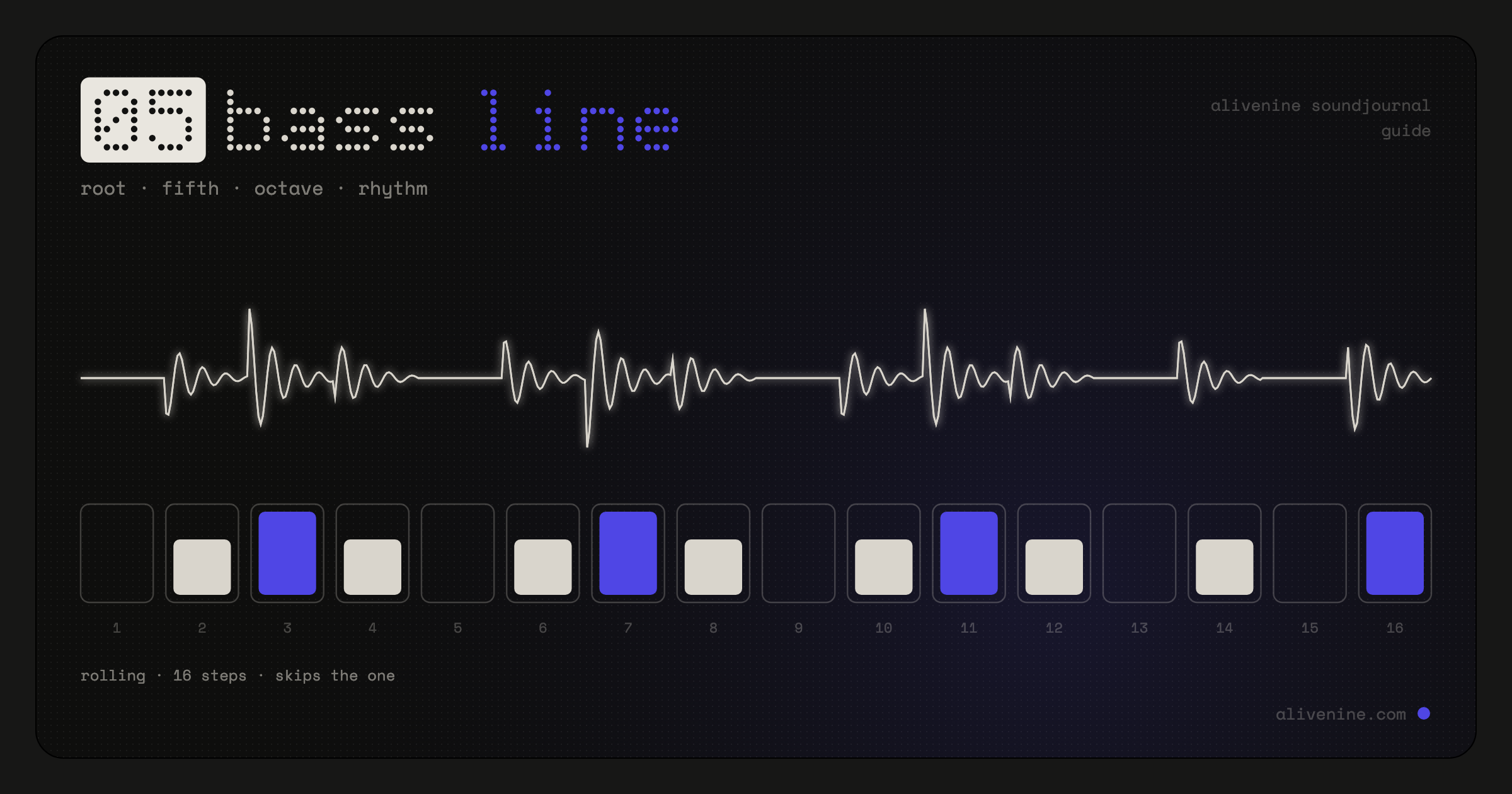
All alivetools play in the browser, and the bassline guide shows what alivebass does with a single held key.