· by max
how to use a synthesizer: oscillator, filter, envelope
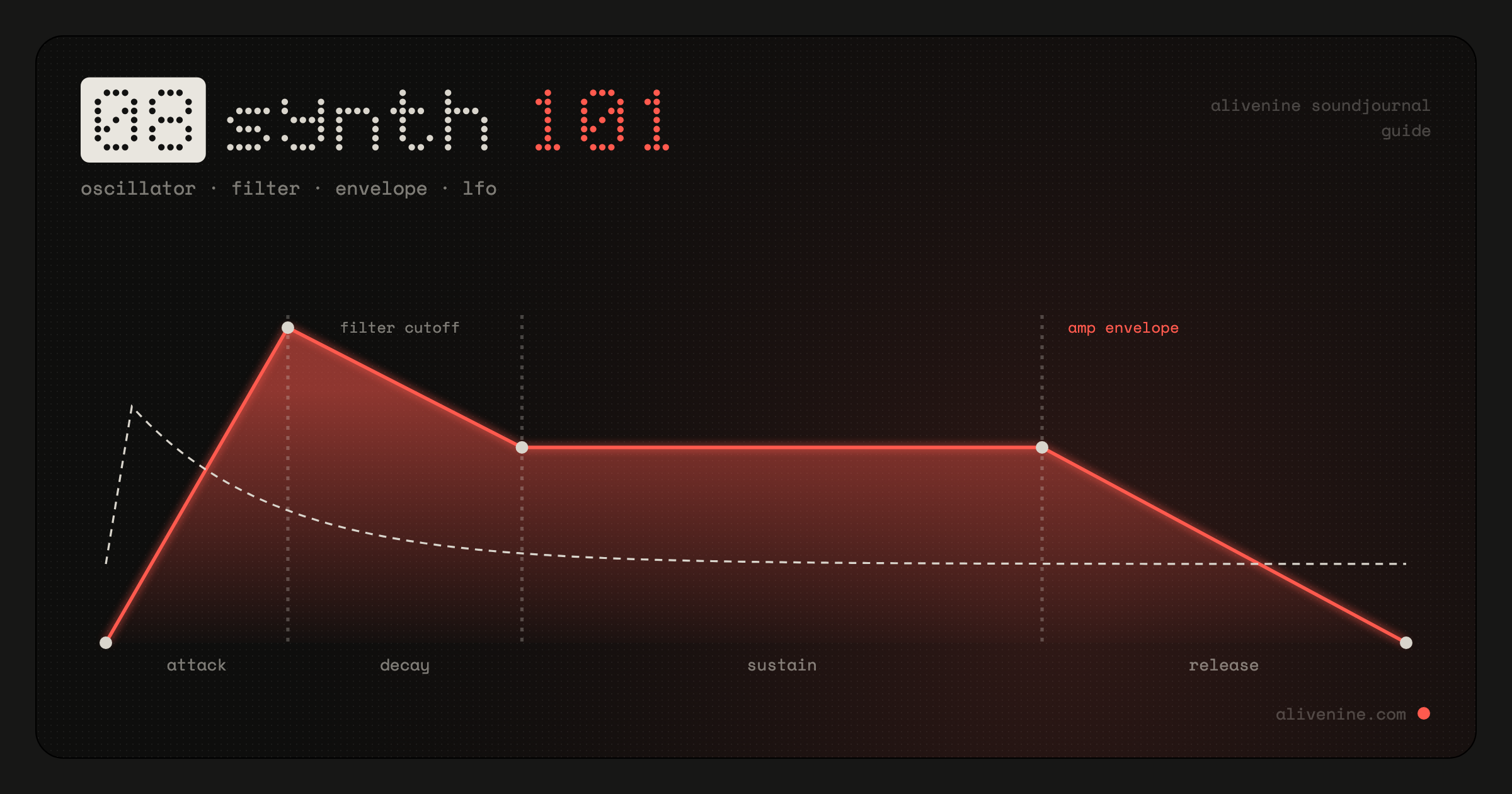
Almost every synthesizer, hardware or plugin, is built from the same few blocks. An oscillator makes a tone, a filter shapes its colour, an amplifier decides how it starts and ends, and modulators move all of it over time. Once you know those blocks, a new synth stops being a wall of knobs.
- the classic signal path is oscillator, then filter, then amplifier. most synths follow it.
- the filter cutoff is the most important knob. it decides how bright or dark the sound is.
- envelopes shape a sound over time: attack, decay, sustain, release. the same oscillator can be a pluck or a pad just by changing them.
- an lfo moves a control in a loop. small amounts make a sound alive, big amounts make it an effect.
- start from an init patch or a simple preset, change one thing at a time, and listen after every move.
the signal path
Most synths you'll meet work by subtractive synthesis. You start with a wave full of harmonics and remove what you don't want. The path looks like this.
| Block | Does | Main controls |
|---|---|---|
| Oscillator | Makes the raw tone | Wave shape, octave, tune, detune, mix of oscillators |
| Filter | Removes harmonics, shapes brightness | Cutoff, resonance, filter type, envelope amount |
| Amplifier | Shapes level over time | Amp envelope: attack, decay, sustain, release |
| Modulators | Move other controls | LFO rate and amount, filter envelope, velocity |
| Effects | Space and colour after the voice | Chorus, delay, reverb, drive |
When a synth looks complicated, find these five blocks first.
oscillators
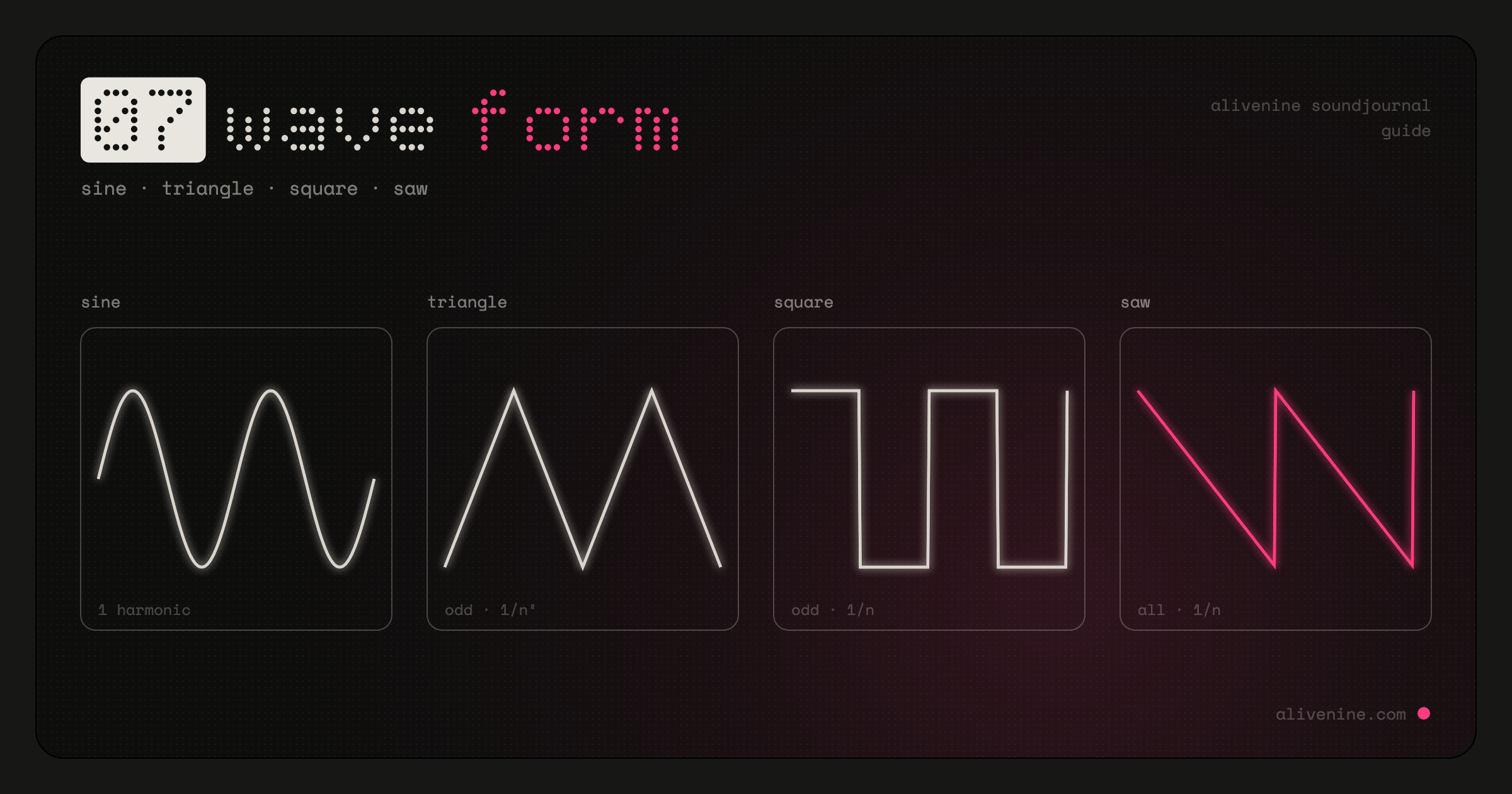
The oscillator decides the raw material. The four classic shapes are sine, triangle, square and saw. A saw has the most harmonics and gives the filter the most to work with, which is why it's the default on so many synths. A sine has none and is mainly for sub bass. Our guide what is a waveform goes through each shape in detail.
Most synths have two or three oscillators. Typical moves:
- Two saws, detuned by 5 to 15 cents: wide and full.
- A second oscillator an octave lower: more weight.
- A second oscillator a fifth higher, 7 semitones: a hollow, organ like colour.
- A sub oscillator, a sine or square one octave down, mixed in quietly: a solid low end for basses.
The octave or range switch moves the oscillator in big steps, usually written as 32', 16', 8', 4', 2' or as -2 to +2. The tune or semitone control moves it in steps of one semitone, and fine tune in cents.
the filter
If you learn one knob, learn the cutoff. A lowpass filter lets everything below the cutoff through and turns everything above it down. Turn it down and the sound gets darker and rounder. Turn it up and it gets brighter and more present.
Resonance boosts a narrow band right at the cutoff. A little gives the sound a vowel like edge. A lot makes it whistle, and on many filters it starts to ring on its own. The classic acid sound is a saw through a lowpass with high resonance, with the cutoff moving.
Slope decides how steep the filter cuts. 12 dB per octave is gentle, 24 dB per octave is steep and sounds more like a classic synth bass. A highpass filter does the opposite of a lowpass and removes the low end, useful for pads that shouldn't touch the bass. A bandpass keeps only a band around the cutoff and sounds thin and nasal.
Try this: hold a saw note, set resonance to about a quarter, and sweep the cutoff slowly from closed to open.
envelopes
An envelope shapes a control over time each time you press a key. Most synths use four stages.
| Stage | What it sets | Short or low | Long or high |
|---|---|---|---|
| Attack | Time from key press to full level | A hard start, like a pluck or a drum | A slow fade in, like strings or a pad |
| Decay | Time from full level down to sustain | A quick drop after the hit | A slow settle |
| Sustain | The level while you hold the key | At 0 the note dies even if you hold it | At full the note stays as long as you hold |
| Release | Time from letting go to silence | Stops dead | Rings on, like a pad or a piano with pedal |
The amp envelope shapes the level. A filter envelope does the same for the cutoff. With a short decay and sustain at zero, the filter opens on every note and closes right after, the classic pluck. The envelope amount knob on the filter decides how far it opens.
lfo and modulation
An LFO, a low frequency oscillator, is a slow wave that moves another control in a loop. On pitch it gives vibrato. On the filter cutoff it gives a wah or a slow sweep. On volume it gives tremolo. On pulse width it gives a chorus like shimmer.
Two numbers matter. The rate, how fast it moves, often in Hz or synced to the tempo, like 1/4 or 1 bar. The amount, how far it moves. A vibrato of about 5 Hz and 10 to 20 cents sounds subtle and natural on a synth. A singer swings much wider, often 50 cents and more. A filter LFO synced to 1/8 gives a rhythmic wobble. A very slow LFO of 0.1 Hz on the cutoff makes a pad drift over ten seconds.
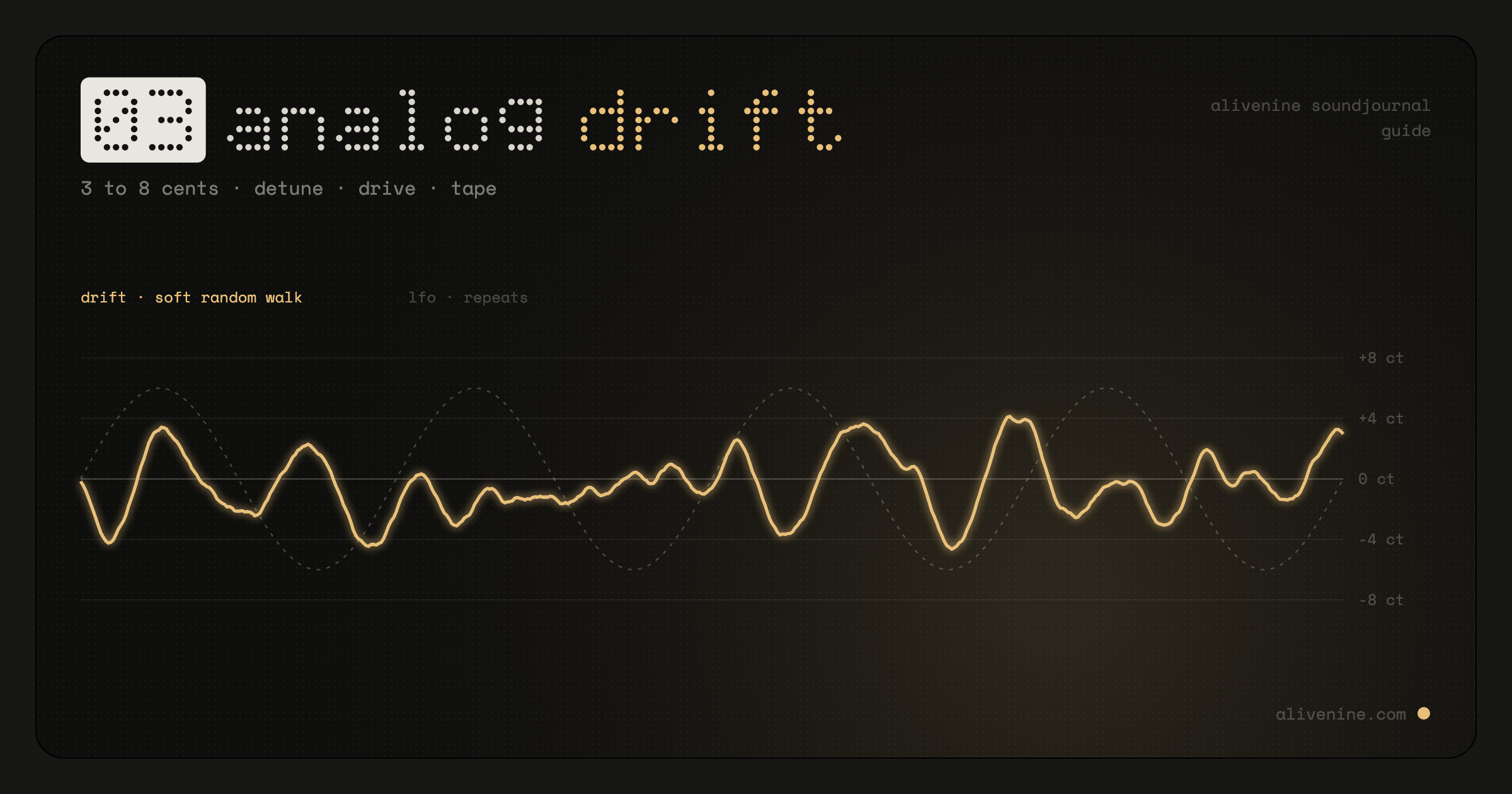
A repeating LFO is still a loop. For movement that never repeats, a random source or a dedicated drift tool works better. How to make soft synths sound analog covers that.
four sounds to build
These work on almost any subtractive synth. Start from the init patch, which is usually one saw, filter open, all envelopes simple.
soft pad
- Oscillators: two saws, detuned 8 to 12 cents.
- Filter: lowpass around 1.5 to 2.5 kHz, low resonance.
- Amp envelope: attack 400 to 800 ms, sustain full, release 1.5 to 3 s.
- LFO: very slow on cutoff, 0.1 to 0.3 Hz, small amount.
- Effects: chorus, then a long reverb.
pluck
- Oscillator: one saw or square.
- Filter: lowpass at 400 to 800 Hz, a little resonance.
- Filter envelope: attack 0, decay 150 to 300 ms, sustain 0, amount high.
- Amp envelope: attack 0, decay 300 to 600 ms, sustain 0, release 200 ms.
- Effects: a dotted eighth delay.
bass
- Oscillators: a saw or square, plus a sine one octave down.
- Filter: lowpass at 300 to 600 Hz, 24 dB per octave.
- Filter envelope: short decay, medium amount, for a bit of bite on each note.
- Amp envelope: attack 0, sustain full, release 50 to 100 ms.
- Keep the voice mono and add a little glide if the line has slides. More in how to make a bassline.
lead
- Oscillators: one or two saws, or a square for a retro tone.
- Filter: fairly open, 3 to 6 kHz.
- Glide: 40 to 80 ms in mono mode.
- LFO: vibrato around 5 Hz, 10 to 15 cents, ideally with a delay so it only starts on held notes.
- Effects: delay and a short room.
which synth to start with
You don't need to buy anything to learn this. Ableton Live comes with Drift, a small synth with a clear layout. Logic Pro has Retro Synth, which is close to the signal path above, and Alchemy for more complex sounds. Vital has a free version that runs on Mac and PC and shows its modulation clearly.
Whatever you use, the blocks are the same. Once you've built a pluck on one synth, you can build it on any other.
alivesynth
alivesynth, the synth I built, is made for playing. The oscillators, drift and pitch are tuned to each other, so the first chord already sounds full and sits where a synth belongs in a mix.
Seven chord pads hold the chords of your key, one for each degree. Left to right are the degrees, bottom to top the inversions. With trackpad on, you play them with your fingers on the MacBook trackpad. The harder you press, the brighter and louder it gets, and past half pressure vibrato comes in. Press all the way to hold a chord, press hard and pull up to bend it.
evolve sets new targets for the sound every two bars, and it glides there slowly while the knobs stay where you left them. fx move changes the effect scene every four bars. inspire gives you a new sound while your melody stays. And one click on loop records exactly one loop from the next bar, 1, 2 or 4 bars long, which you drag into your DAW as WAV or MIDI. You can play alivesynth in the browser with the real plugin code.
listening tips
- Change one control at a time and play the same note after each change. It's the fastest way to learn what each knob does.
- Build sounds at a moderate volume and check them in the track early. A pad that sounds huge alone often swallows the mix.
- A sound that seems weak is often just quiet. Match levels before you judge.
- Listen to the release. Long tails blur fast parts and short ones make pads feel cut off.
- Save versions. A sound you liked ten moves ago is hard to find again.
faq
How does a synthesizer work?
An oscillator makes a tone, a filter shapes its brightness, an amplifier with an envelope shapes how it starts and ends, and modulators like LFOs and envelopes move these controls over time. Effects add space at the end.
What should I learn first on a synth?
The filter cutoff and the amp envelope. With those two, one oscillator can already be a pad, a pluck, a bass or a lead.
What does ADSR mean?
Attack, decay, sustain, release. Attack is how fast a note reaches full level, decay how fast it drops to the sustain level, sustain the level while you hold the key, and release how long it rings after you let go.
What is the difference between an LFO and an envelope?
An envelope runs once per note, from key press to release. An LFO runs in a loop, independent of the notes, unless it's set to restart with each key.
Do I need a hardware synth to learn synthesis?
No. The synths that come with Ableton Live and Logic Pro, or a free plugin, teach the same blocks. Hardware is fun, but the concepts are identical.
What is a good free synth for beginners?
The synths in your DAW are a good start, such as Drift in Ableton Live or Retro Synth in Logic Pro. Vital has a free version for Mac and PC.
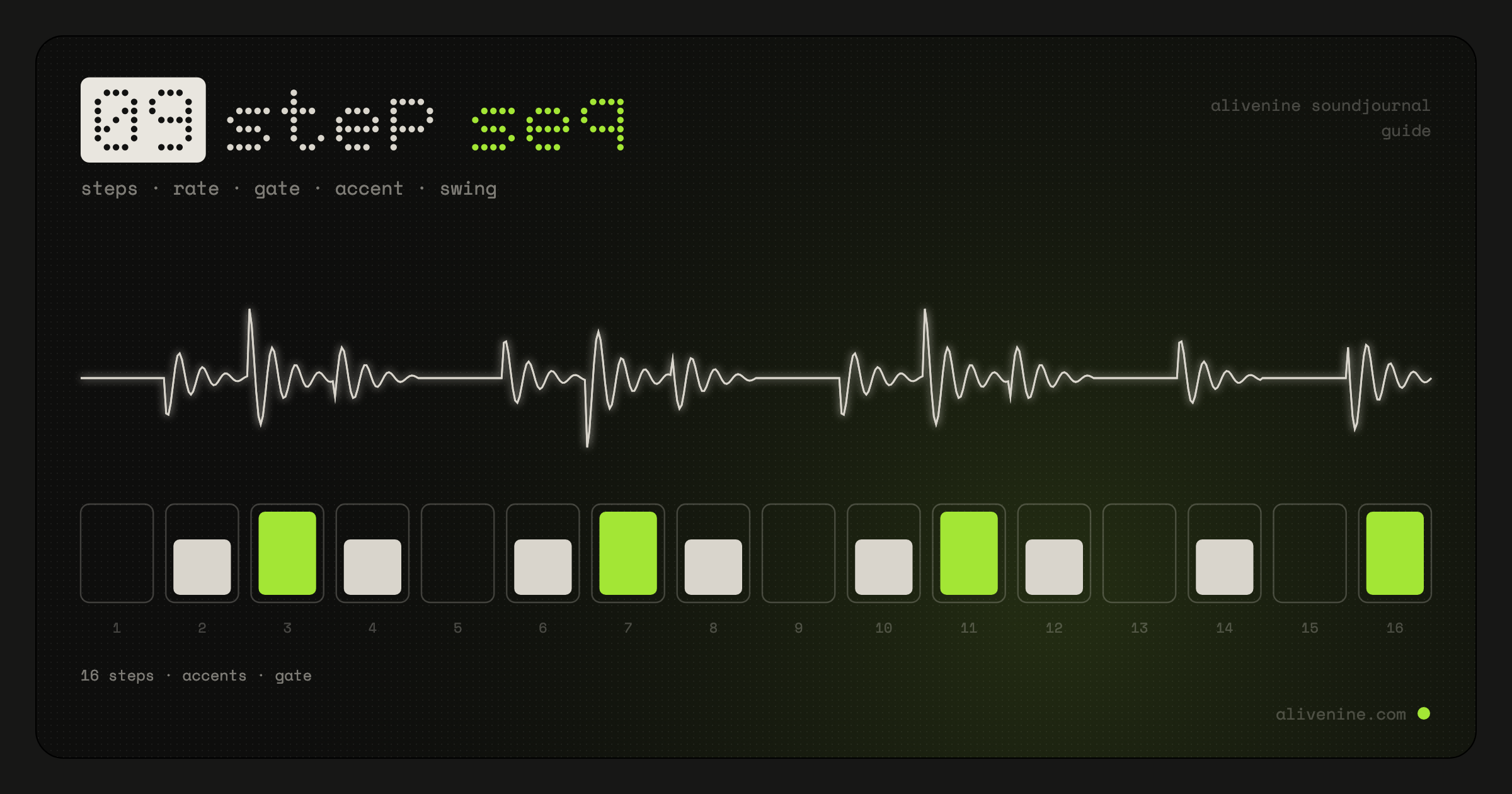
If you want to go deeper into the raw material, read what is a waveform. And for putting notes in order once the sound is ready, what is a step sequencer is next.