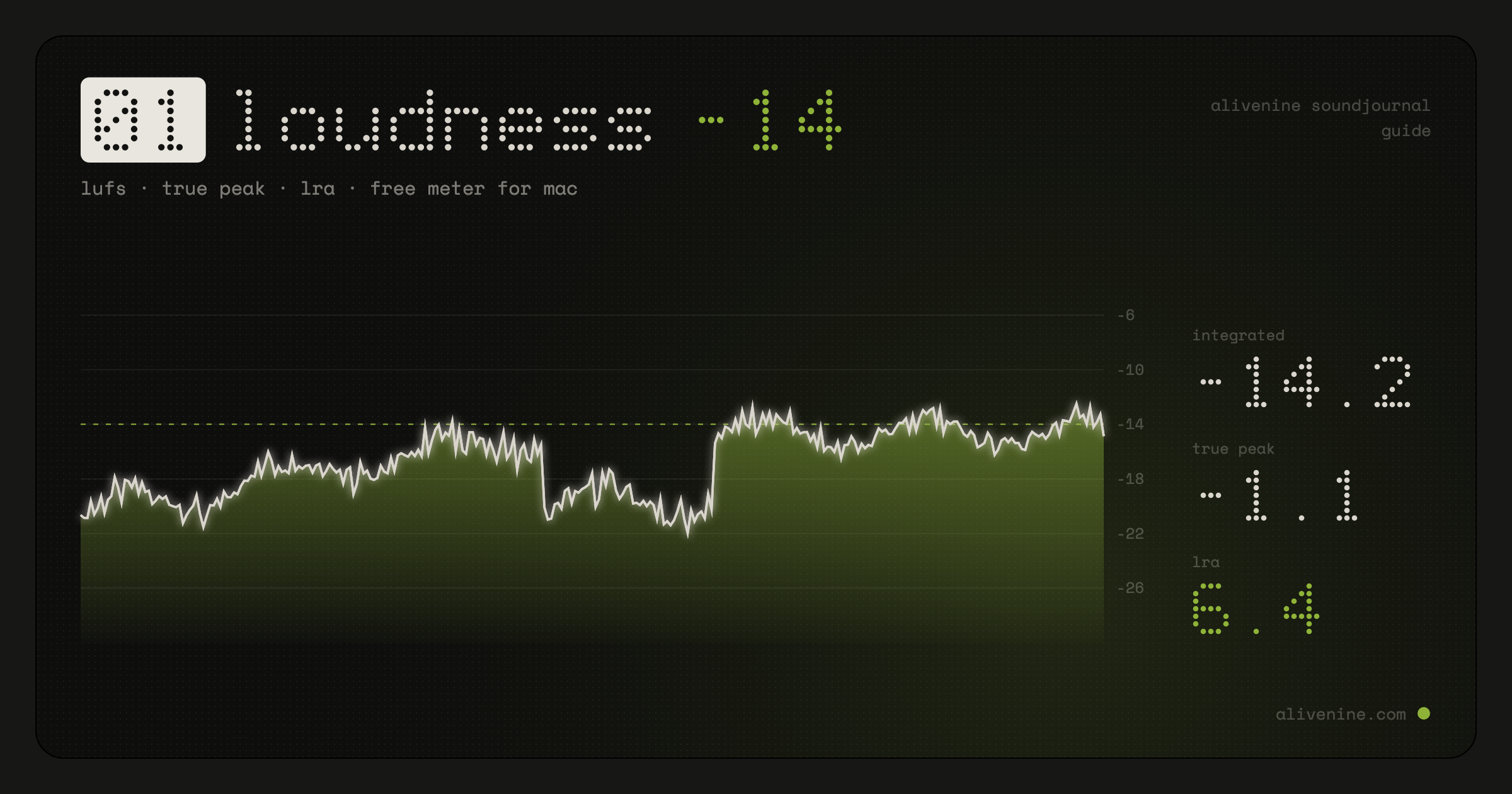
· by max
how loud to master for spotify, apple music and youtube
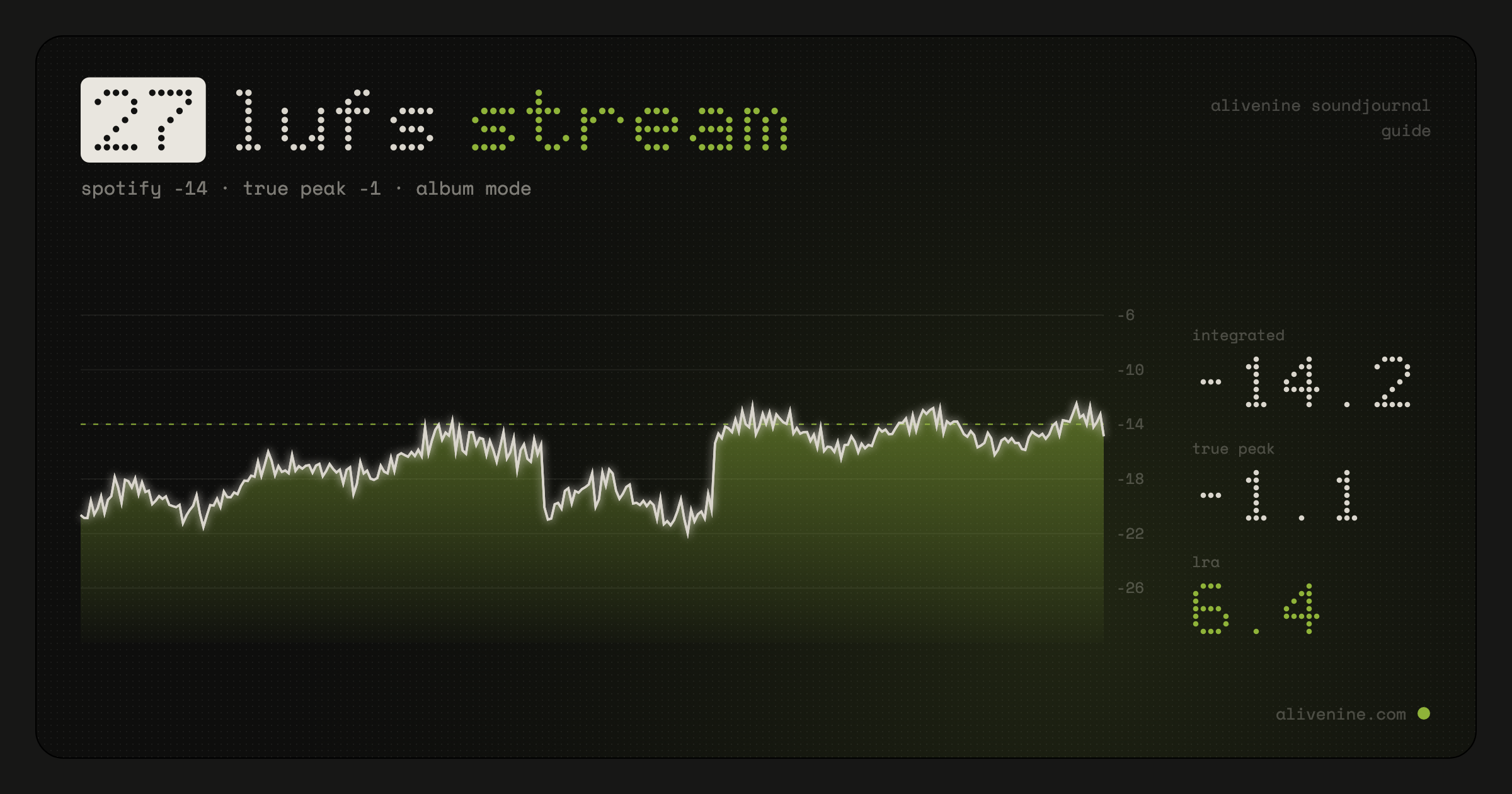
Every streaming service plays your song at a level it picks itself. A master that is louder than that level gets turned down, and on some services a quieter one gets turned up. So the question of how loud to master has two parts: what the services do with your file, and how much of your own sound you want to give up for loudness. Below are the numbers per service, where they come from, and how to measure your song before it goes out.
- spotify plays at -14 lufs integrated and publishes this itself. most other services land between -14 and -16, but only a few say so officially.
- a louder master is not louder for the listener. it gets turned down to the same level as everything else.
- spotify only turns quiet songs up as far as their peaks allow, with 1 db of headroom left.
- keep true peak under -1 dbtp. if your master is louder than -14 lufs, spotify recommends under -2.
- on an album, spotify normalizes the whole record together, so a quiet song stays quiet.
what normalization does
A service measures the loudness of every song once, when it is uploaded. It stores that value next to the file. When someone presses play, the player changes the volume by the difference between the stored value and the level the service has chosen. The file itself stays as it is.
For a song that is louder than the target, the player simply turns it down. Nothing gets added, no limiter is involved, the song just plays quieter. For a song that is quieter than the target, there are two ways a service can go. It can leave the song alone, or it can turn it up. Turning up is the harder case, because the song's peaks rise with it. If they reach the top of the scale, the player would have to limit or clip them. That is why services that turn songs up do it carefully, or not at all.
The measurement is the same everywhere: integrated loudness after ITU-R BS.1770, in LUFS. It is the value for the whole song, with silence and very quiet parts left out by a gate. How it works in detail is in a free loudness meter for Mac, and what the numbers mean. Here, the part that matters is the consequence. Once normalization is on, loudness is no longer a contest you can win with a limiter.
the services side by side
Only some services publish their numbers. The table says where a value is official and where it comes from people who measured it. These measurements are consistent with each other, but a service can change its player without telling anyone.
| Service | Plays at | Turns quiet songs up | Source |
|---|---|---|---|
| Spotify | -14 LUFS, premium can choose -11 or -19 | Yes, as far as the peaks allow | Official, Spotify for artists |
| YouTube | About -14 LUFS | No, only down | Measured by others, YouTube doesn't publish it |
| Apple Music | About -16 LUFS with sound check on | Not published | Sound check is documented by Apple, the level is measured by others |
| Tidal | About -14 LUFS | Not published | Measured by others |
| Amazon Music | About -14 LUFS | Not published | Measured by others |
| Deezer | About -15 LUFS | Not published | Measured by others |
| SoundCloud | No normalization known | No | Measured by others |
The practical reading: if you master to around -14 LUFS integrated with a true peak under -1 dBTP, you sit close to the level of every service in the list. None of them will change your song much, and nothing will need a limiter on the way to the listener.
YouTube is a special case worth knowing. It only turns down. A quiet upload stays quiet next to everything else. You can see what happens to any video yourself: right click the player and open stats for nerds. The line for volume shows two percentages, the player volume and the normalized one, and the content loudness next to it tells you how far above the reference the video was measured.
Apple Music calls its normalization sound check. On the Mac it sits in the music app under settings, playback. Apple describes it as a way to play songs at a similar volume and names it as the first thing to check when music sounds quiet, see if music in Apple Music sounds quiet. A level in LUFS is not part of Apple's documentation.
spotify up close
Spotify explains its normalization in more detail than any other service, in its loudness normalization guide. A few details from it change how you master.
turning up has a limit
Spotify turns quiet songs up, but only as far as their true peak allows, and it keeps 1 dB of headroom for the lossy formats. Its own example: a song at -20 LUFS with a true peak of -5 dBFS is only lifted to -16 LUFS, not to -14. The peak reaches -1, and that is where Spotify stops. So a quiet master with loud transients plays quieter than everything around it. A quiet master with controlled peaks gets turned all the way up.
the loud setting uses a limiter
Premium listeners can choose between three levels in the app: quiet at -19 LUFS, normal at -14 and loud at -11. On loud, Spotify turns songs up to -11 regardless of their peaks and puts a limiter on the output, set to -1 dB with a 5 ms attack and a 100 ms decay. This is the one case where a dynamic master gets limited by someone else. It is a setting the listener picks, and it applies to every song in the same way.
the web player doesn't normalize
According to Spotify, the web player and players on third party devices like TVs and speakers don't use normalization. There, a louder master really does play louder. This is a part of the picture, not the whole picture. Most listening happens in the apps.
spotify's own advice
Spotify recommends -14 LUFS integrated and a true peak below -1 dBTP. If your master is louder than -14, it recommends a true peak below -2 dBTP, because loud masters pick up more distortion when they are encoded to the lossy formats.
which number counts
A meter shows several values, and only one of them is what the services compare.
| Value | What it is | What it means for streaming |
|---|---|---|
| Integrated | The whole song, gated | The number every service normalizes by |
| Short-term | The last 3 seconds | How loud your chorus is. The loudest short-term value is what a listener remembers |
| Momentary | The last 400 ms | Single hits. Not used by the services |
| True peak | The highest point after the converter rebuilds the wave | Keep it under -1 dBTP, or -2 for loud masters |
| PLR | Distance between true peak and integrated | How much punch is left after normalization |
One thing follows from this that surprises many people. Two songs at the same integrated loudness can feel different. A song with a quiet verse and a big chorus has a lower integrated value than its chorus, so after normalization its chorus plays louder than the chorus of a song that is loud all the way through. The song with dynamics comes out ahead.
how loud to master
-14 LUFS is the level Spotify plays at. For your song, it's a reference point. The real decision is how much limiting your music needs to sound right, and that depends on the music.
- Songs with space, vocals in front, acoustic parts, soft intros: around -14 to -12 LUFS. The transients stay, the chorus can still grow, and nothing gets turned down much.
- Dense electronic music, club tracks, heavy genres: many released masters sit between -9 and -6 LUFS. The limiting changes the texture, and for some music that texture is part of the style. After normalization these songs play at the same level as everything else, with less punch on the hits.
- Anything in between: master until it sounds finished, then stop. If pushing another dB makes the kick smaller, the last dB was too much.
A quick test helps. Turn your master down to -14 LUFS by ear or with a gain plugin and play it next to a quieter, more open version of the same mix at the same level. Whichever sounds better at equal loudness is the better master. That is how your listener will hear it.
I master my own songs, and this test settles most of the arguments I have with myself. The louder version rarely wins once the levels match.
albums and eps
Spotify normalizes an album as a whole when you listen to it as an album. All songs get the same gain, so the relation between them stays as you mastered it. A quiet interlude stays quiet, a loud single stays loud. When a song from the same album plays in a playlist or on shuffle, Spotify normalizes that song on its own.
For mastering a record, this means two things. First, set the levels between the songs by ear, as they should feel in order. Don't master every song to the same integrated value. Second, the loudest songs on the record decide how far the whole album gets turned down. One very loud song makes every other song on the album play a little quieter in album mode.
measuring before you upload
You need a meter that shows integrated loudness and true peak over the whole song. alivemeter does both, and it costs nothing. The steps are the same with any EBU R128 meter.
- Put the meter last on your master channel, after the limiter.
- Start at the top of the song and reset the meter. In alivemeter, one click on the loudness display resets every value.
- Play the whole song without stopping. Integrated only means something over the full length.
- Read integrated loudness and the maximum true peak at the end. Note both.
- Check the loudest short-term value in the chorus. If it sits 6 to 8 LU above integrated, the song has a lot of movement. If it's within 2 LU, the song is loud all the way through.
- Export, then measure the exported file again. Dithering, sample rate changes and a different limiter setting at export can all change the numbers a little.
alivemeter has a target you can switch on in the settings, under loudness. It runs from -30 to -5 LUFS and starts at -14. The built in mixing preset turns the target on at -14, the mastering preset shows loudness large with true peak, LRA and PLR. As an app, alivemeter can also measure whatever the Mac is playing. That makes it easy to compare a released song in a streaming app with your own master. Switch off normalization in the streaming app first, otherwise you measure the service's volume change, not the master.
common mistakes
| Mistake | What happens | What to do |
|---|---|---|
| Mastering to -14 because a number said so | A song that needs density sounds thin | Master for the music, use -14 as a reference |
| Limiting hard to be louder than the rest | The song gets turned down and plays with less punch | Compare with your references at equal loudness |
| True peak at 0 dBTP | Crackle after encoding to AAC or Ogg | -1 dBTP, or -2 for loud masters |
| Measuring only a loop of the chorus | Integrated reads too high | Play the whole song from the start |
| Every album song at the same integrated | Quiet songs feel loud, the album loses its shape | Set the levels between songs by ear |
| Comparing to a reference with normalization on | The reference seems quieter than it is | Switch normalization off in the player when you measure |
Most problems with loudness start earlier, in the mix. A low end that is too big or a bass that fights the kick eats headroom, and the limiter then has to work harder for the same level. How to mix a song, step by step goes through the order, and a bass that leaves room for the kick and the vocal shows where the headroom usually goes.
faq
What LUFS should I master to for Spotify?
Spotify plays at -14 LUFS integrated and recommends mastering to -14 with a true peak below -1 dBTP. Louder masters are allowed. They get turned down, and Spotify recommends a true peak below -2 dBTP for them.
Does YouTube turn quiet videos up?
According to measurements by others, no. YouTube turns loud videos down to about -14 LUFS and leaves quieter ones as they are. You can check any video under stats for nerds.
What LUFS does Apple Music use?
Apple doesn't publish a value. Its normalization is called sound check, and measurements by others put the playback level at around -16 LUFS. A master around -14 LUFS with a true peak under -1 dBTP plays fine there.
Is it bad to master louder than -14 LUFS?
No. Many genres are mastered louder because the limiting is part of the sound. The master gets turned down on the services, so the only cost is the punch you gave up. Keep true peak low, around -2 dBTP, because loud masters distort more when encoded.
Does normalization change my file?
No. The services measure the song once and change the playback volume. On Spotify's loud setting, a limiter is added on playback, but the uploaded file stays the same.
How do I measure LUFS for free on a Mac?
Put a free EBU R128 meter like alivemeter on your master, reset it at the start of the song, play the whole song and read the integrated value and the maximum true peak at the end.
The rest of the numbers on a loudness meter, and what each of them tells you while you mix, are in a free loudness meter for Mac.