· by max
free vst3 plugins on windows: install, scan, fix
On Windows, installing a VST3 plugin comes down to one folder and one rescan. Most of the trouble starts when a plugin ends up somewhere else, when it's 32-bit, or when the DAW scanned before the plugin was there. Below is where VST3 files belong, how to scan them in the common DAWs, a table for the usual errors, and how to tell a good free plugin from a bad download. At the end, how the alivetools run on Windows. That version is a beta, with a clear list of what runs today.
- 64-bit vst3 plugins belong in c:\program files\common files\vst3. every daw on windows looks there.
- a vst3 is a .vst3 file or folder. the older vst2 format is a .dll and lives in its own folder.
- after installing, rescan in the daw. in fl studio, switch on verify plugins, otherwise .vst3 files are skipped.
- 32-bit plugins don't load in a 64-bit daw. almost every current daw is 64-bit only.
- download free plugins from the developer's own site, never from bundle pages that wrap them in their own installer.
vst3, vst2, 32 and 64 bit
VST is the plugin format Steinberg introduced in the nineties. VST3 is the current version, and it's what most developers ship today. On Windows you'll still meet three kinds of files, and knowing which is which saves most of the guessing later.
| File | Format | Where it goes | Notes |
|---|---|---|---|
| name.vst3 | VST3, 64-bit | C:\Program Files\Common Files\VST3 | The standard today. Sometimes a single file, sometimes a folder ending in .vst3. |
| name.dll | VST2 | A folder you choose, often C:\Program Files\VSTPlugins | Older format. No fixed place, so every DAW needs to be told where it is. |
| name.vst3 in Program Files (x86) | VST3, 32-bit | C:\Program Files (x86)\Common Files\VST3 | Only for 32-bit hosts. A 64-bit DAW ignores it. |
A 64-bit DAW loads 64-bit plugins. FL Studio, Ableton Live, REAPER, Cubase and Bitwig are all 64-bit on current Windows. If a free plugin only comes as 32-bit, it's from a time before that, and some DAWs can bridge it, with more crashes than it's worth. Look for a 64-bit VST3 first.
the vst3 folder
For VST3, Steinberg defines a fixed place on Windows: C:\Program Files\Common Files\VST3. It's in the VST3 developer documentation, and every host scans it, including its subfolders. That's the big difference to VST2, where each installer picked its own place and every DAW had to be pointed at it.
Two consequences. You don't need a custom plugin folder for VST3, and you shouldn't make one unless you have a reason. And because the folder sits under Program Files, Windows asks for admin rights when something is copied there. Installers do that for you. If you copy a .vst3 by hand, Explorer asks once, which is normal.
Subfolders are fine. If you sort your plugins by developer inside the VST3 folder, the DAW still finds them. It reads the whole tree.
installing step by step
- Close your DAW. Some DAWs only scan at start, and a plugin that's being scanned while the installer writes it can end up on a block list.
- Run the installer and leave the VST3 path as it is. If it offers VST2, AAX or 32-bit as extras and you don't need them, switch them off. Fewer copies, fewer duplicates in your browser.
- If the plugin comes as a zip, unpack it and copy the .vst3 file or folder into C:\Program Files\Common Files\VST3.
- If the plugin needs a license, the installer or the plugin itself will tell you. Free plugins with an account often unlock once, on the first start.
- Open the DAW and rescan, as below.
- Load the plugin on an empty track first, play something, and save a test project. If it survives a reopen, it's in.
scanning in your daw
Every DAW keeps a list of the plugins it has seen. A new plugin appears once the DAW scans again. Menu names change between versions, so the paths below are for current versions, and each one links to the official manual where it exists.
fl studio
Open the Plugin Manager under Options, Manage plugins. Click Find installed plugins. The important part is the switch Verify plugins: without it, FL Studio does a fast scan that looks at .dll files and skips .vst3. With it, each plugin is opened once and sorted into Generators and Effects. Image-Line's manual describes the full scan. New plugins then appear in the browser under Plugin database, Installed, New.
ableton live
In Live 12, open Settings with Ctrl comma and go to Plug-Ins. Switch on Use VST3 Plug-In System Folders. The custom folder for VST3 can stay off, because the system folder is the one above. Click Rescan, or hold Alt while you click it for a full rescan that forgets what it knew. Ableton's help on VST plugins under Windows has the same settings and says to install plugins to the system drive, never into Live's own program folder.
reaper
Open Options, Preferences, Plug-ins, VST. The default path list already includes the common VST3 folder. Click Re-scan. If a plugin failed before, Clear cache and re-scan forces REAPER to try it again.
cubase
Cubase scans the VST3 folder at every start. Open Studio, VST Plug-in Manager to see what it found. Plugins that crashed during the scan land on a blocklist in the same window, where you can reactivate them after an update.
bitwig studio
Bitwig looks in the VST3 system folder by default and scans in the background, so new plugins appear in the browser after a restart. In Settings, under Locations, you can add folders, and the Plug-ins page in Settings shows each plugin with its state, including the ones that failed.
when a plugin doesn't show up
Almost every missing plugin is one of the cases below. Go through them in order, from the top.
| What you see | Likely reason | What to do |
|---|---|---|
| Plugin not in the list at all | The DAW hasn't scanned since the install, or the .vst3 is in another folder | Check C:\Program Files\Common Files\VST3, then rescan. In FL Studio, switch on Verify plugins. |
| VST2 version shows, VST3 doesn't | VST3 folder not enabled in the DAW | Ableton: switch on VST3 Plug-In System Folders. REAPER: check the path list. |
| Plugin listed as failed or blocked | It crashed during the scan, often because the CPU lacks an instruction set it needs, or a runtime is missing | Check the developer's system requirements, update the plugin, then rescan with the failed ones included. |
| Only in a 32-bit folder | 32-bit build, 64-bit DAW | Get the 64-bit version. Bridging works badly or not at all. |
| Loads, but stays silent or asks for a key | License not activated, or a trial ran out | Open the plugin window, enter the key, or log in to the developer's account. |
| Appears twice | VST2 and VST3 both installed | Keep the VST3. Most DAWs let you hide the VST2 or combine them. |
| Installer won't start, Windows shows a blue warning | SmartScreen doesn't know the file yet | See the next section before you click anything. |
A deep rescan is the last step, not the first. It takes time with a big plugin folder, and it changes nothing if the file isn't where the DAW looks.
good free plugins, safe downloads
There are many free plugins worth having, and many download sites that wrap them in something you don't want. A few things separate the two.
- The source. Download from the developer's own site or their release page, where the plugin has its name, a version and a date. Aggregator pages that send you through several buttons and their own downloader are the usual way adware gets onto a music computer.
- One installer, one plugin. A clean installer asks where to put the VST3 and maybe which formats you want. If it offers a browser toolbar, a search engine or another program, cancel it.
- SmartScreen. Windows checks downloads against how often they've been seen and whether they're signed. A new installer from a small developer can trigger the blue window that says Windows protected your PC. Microsoft explains how it decides in the SmartScreen documentation. If you downloaded the file from the developer's own site, More info shows the file and Run anyway starts it. If you got it from somewhere else, delete it.
- A version number and a changelog. A plugin that has been updated recently will still work after the next Windows update. A free plugin from 2012 might not.
- A real system requirements line. Windows version, 64-bit, sometimes a CPU feature like AVX2. When it's written down, someone has tested it.
Free doesn't have to mean small. A good meter, a tuner or a single effect that does one thing well can stay on your master for years. That's the kind of free plugin worth the folder space.
the alivetools on windows
The alivetools started on the Mac. Since 18 November 2026 they also run on Windows, as a beta. Beta here means the tools work, and you may still find rough edges that I haven't seen yet. Here is what's there now, from the release notes and the site.
| Windows beta | |
|---|---|
| Format | VST3, 64-bit. No AAX, so not in Pro Tools. |
| System | Windows 10 or 11, a CPU with AVX2 (Intel from 2013, AMD from 2015) |
| Tools | alivetape, alivedrift, alivemeter, alivevox, alivearp, alivebass, aliveloop, alivedrum and visual send |
| Not yet | alivesynth, which is Mac only for now |
| Install | One installer for all of them, into C:\Program Files\Common Files\VST3 |
| Free | alivedrift, alivemeter and visual send run without a license |
| Unlock | With a license key, or with the key from your alivenine account, which unlocks everything you own |
| Trial | 7 days per tool, started in your account, once per tool |
The installer is at alivenine.com/download/windows. After it runs, rescan in your DAW as above. The tools are built from the same code as the Mac versions.
On the Mac, alivehub installs and updates everything from the menu bar. On Windows there's no hub yet. You download the installer again for a new version. The account page keeps your key, your licenses and your trials in one place, so you don't need to search emails for a code.
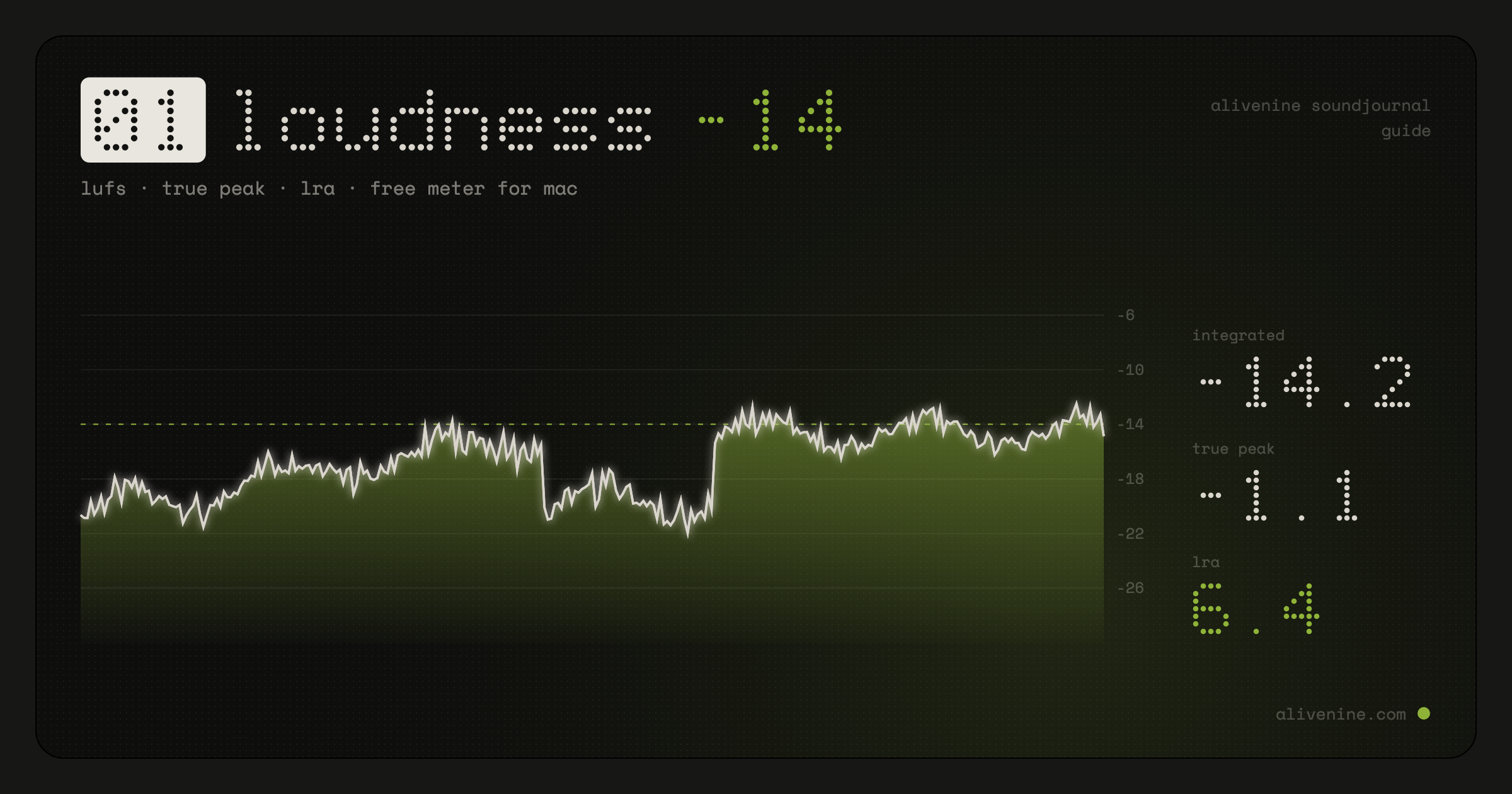
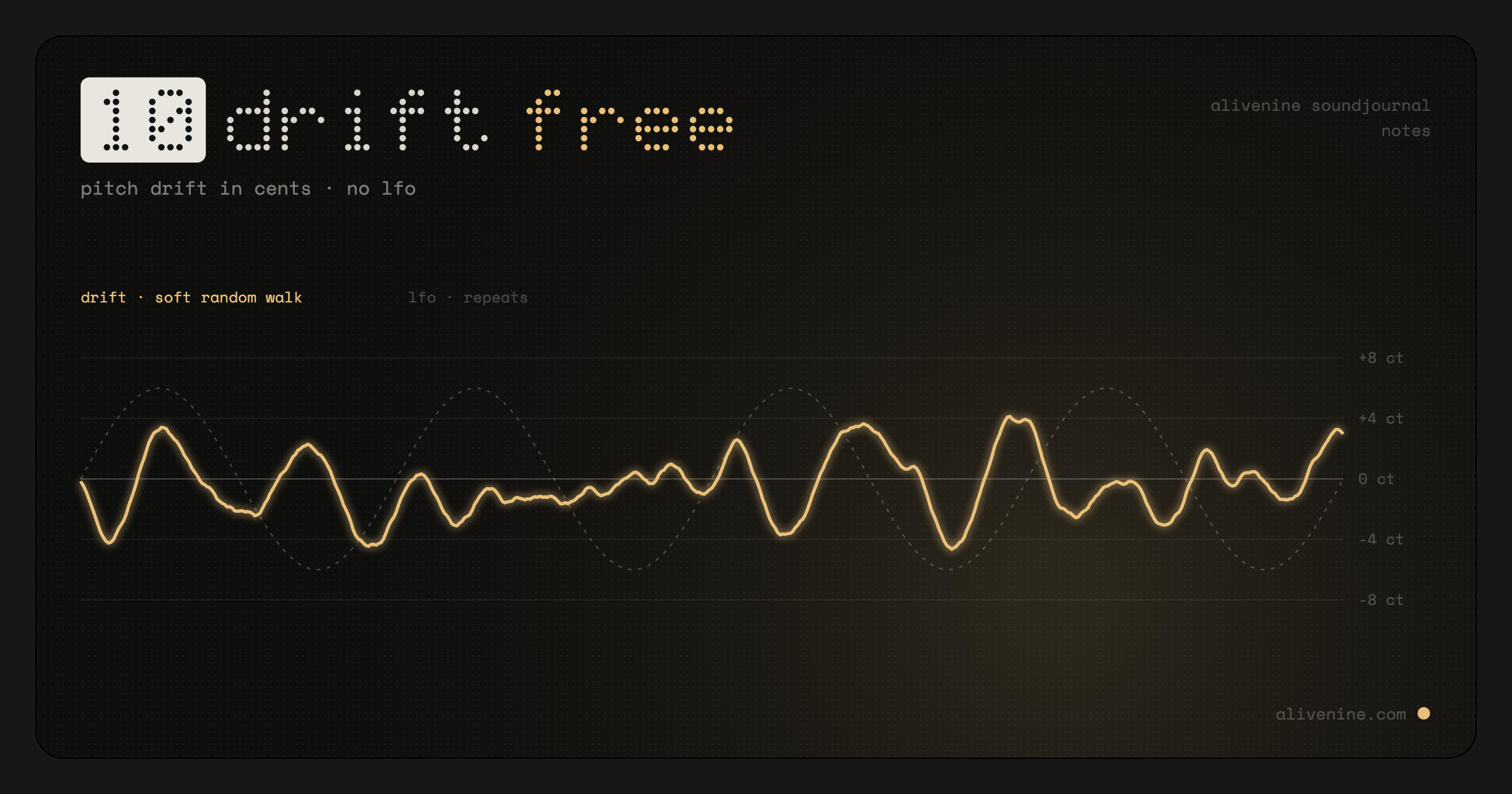
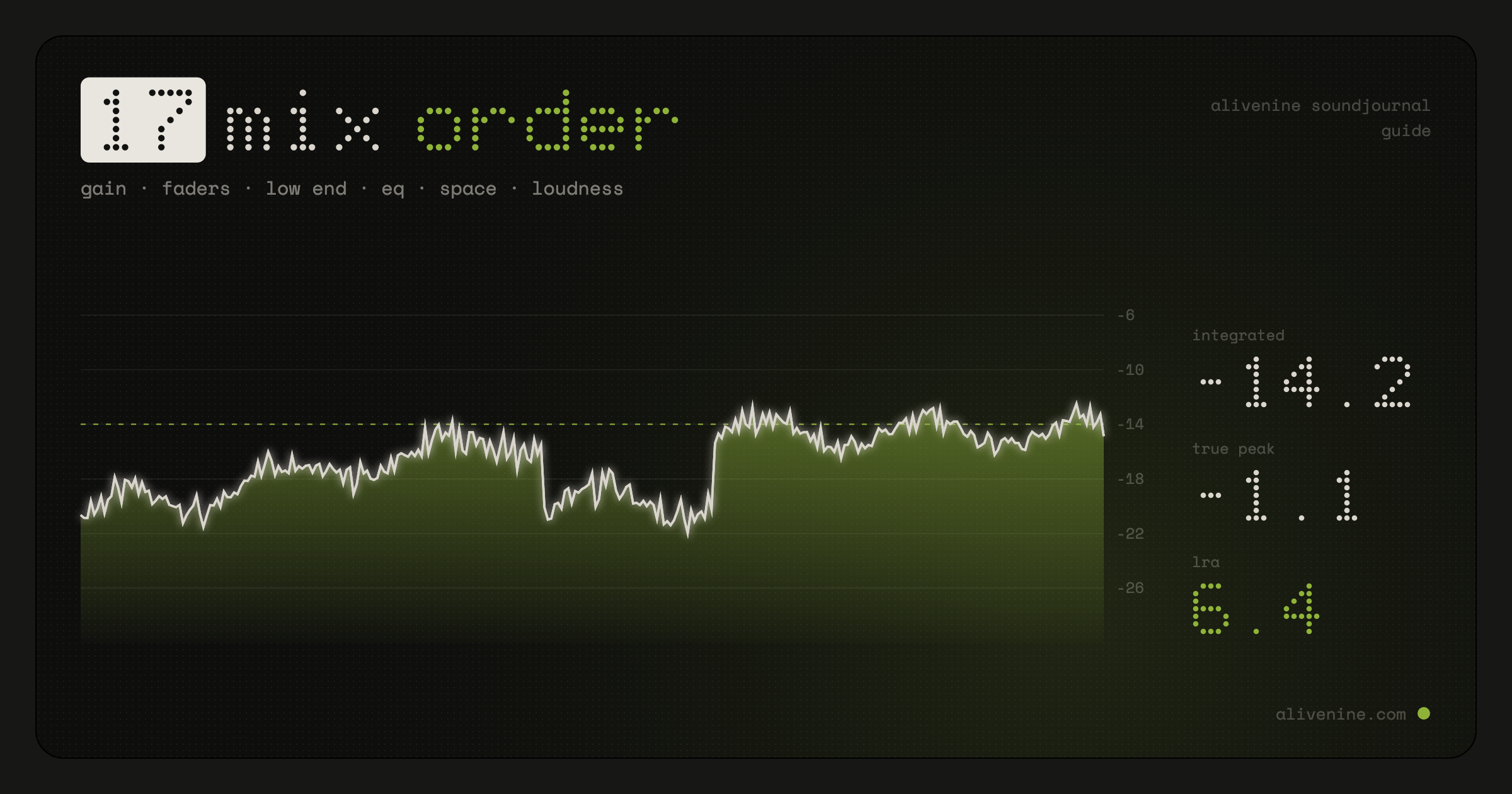
If you want to start with something free, two tools are a good test of whether the setup works. alivedrift puts a slow, never repeating pitch drift on any track, measured in cents, so a synth stops sounding locked to the grid. The details are in a free pitch drift plugin. alivemeter shows loudness in LUFS, true peak and loudness range, which is what you check before a song goes to streaming. How to mix a song uses it at the end of the order.
If something doesn't work on your machine, write to support with your DAW, its version and Windows version. A beta gets better from exactly those reports.
faq
Where do I put VST3 plugins on Windows?
In C:\Program Files\Common Files\VST3. It's the fixed VST3 folder on Windows, and every DAW scans it. 32-bit VST3 plugins go to C:\Program Files (x86)\Common Files\VST3, but a 64-bit DAW won't load them.
Why doesn't my VST3 plugin show up in FL Studio?
FL Studio's fast scan skips .vst3 files. Open Options, Manage plugins, switch on Verify plugins and click Find installed plugins. New plugins then appear under Plugin database, Installed, New.
How do I rescan plugins in Ableton Live on Windows?
Open Settings, Plug-Ins, make sure Use VST3 Plug-In System Folders is on, and click Rescan. Hold Alt while clicking for a full rescan.
Are free VST3 plugins safe?
From the developer's own site, usually yes. Be careful with download portals that wrap plugins in their own installer. A clean installer only asks where to put the plugin.
Do the alivetools run on Windows?
Yes, as a beta since 18 November 2026: VST3, 64-bit, on Windows 10 or 11 with an AVX2 CPU. alivetape, alivedrift, alivemeter, alivevox, alivearp, alivebass, aliveloop, alivedrum and visual send are included. alivesynth is Mac only for now.
Which alivetools are free on Windows?
alivedrift, alivemeter and visual send run without a license. The others unlock with a license key or your account key, and each one can be tried for 7 days.
Once the folder and the rescan are sorted, the rest is music. The alivetools page shows every tool, and most of them play right in the browser before you install anything.